-
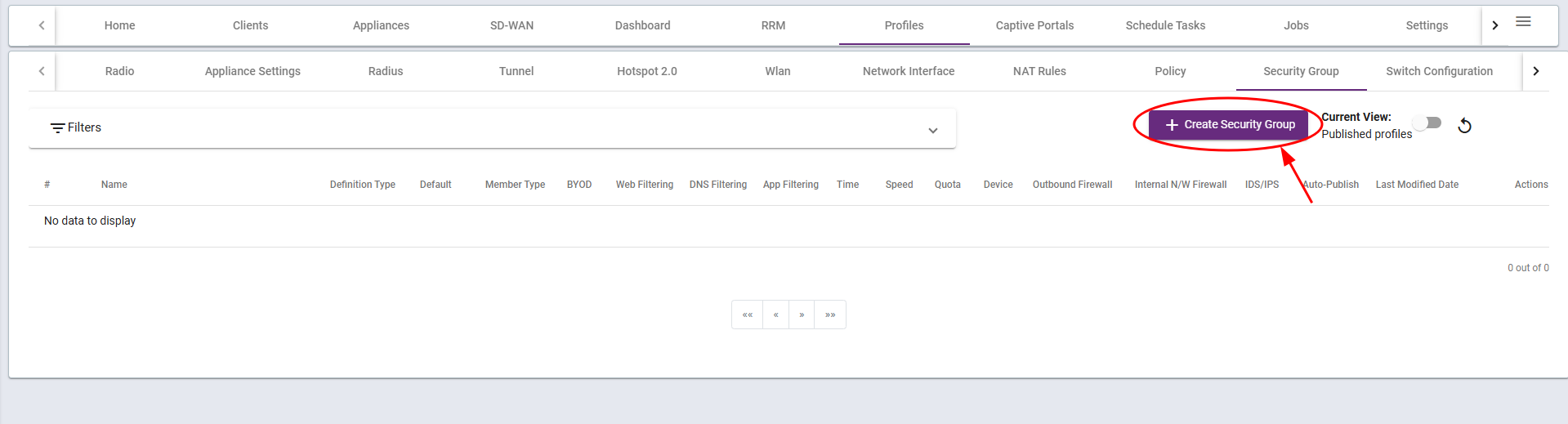
Go to the Policy tab under Profiles:
- Log into your Ray Cloud Controller.
- Home Page > Profiles > Security Groups.
-
Name and Settings of the Group
-
Group Details
-
Enter the name of the Security Group according to your requirements.
-
NOTE: Select Default checkbox if you want all the users to be a part of this group by default.
-
Select on what basis do you want to group the members, the options are
-
MAC Address
-
IP Address
-
IP Subnet
-
-
Select whether you want to allow or deny default all traffic.
-
NOTE: If a filter is allowed in certain policies, you must deny the default traffic within the group to ensure proper enforcement.

-
-
Add Policies
-
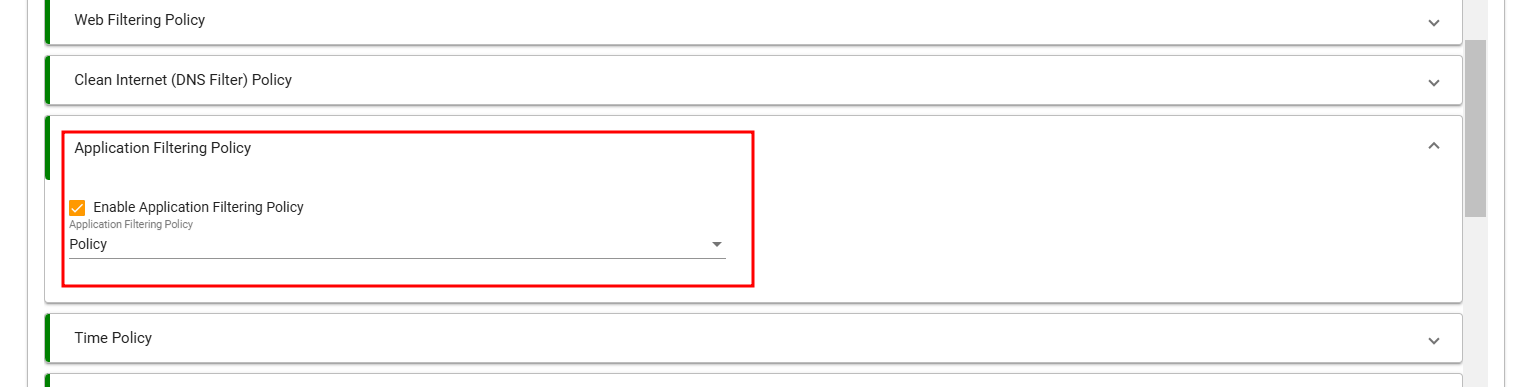
Add the policies made under their respective tabs. For reference,
-
-
Setting up the Advance Tab
-
Select whether this group is valid for Gateway, Bridge+Firewall or both.

-
-
-
Save the Group
-
Once all the requirements of the Group are setup, click on save to save the group.
-
Creating a Security Group and Assigning Policies


Updated on January 20, 2025