SCENARIO: Configure & Test Band Steering
CATEGORY: Optimization
Purpose / Use Case: Push capable clients to 5 GHz for better performance
Steps to Test: Enable band steering and test with a dual-band device
Band Steering is a Wi-Fi feature that directs devices to the best frequency band for optimal performance — usually moving capable devices from the 2.4 GHz band to the 5 GHz band.
Step 1:
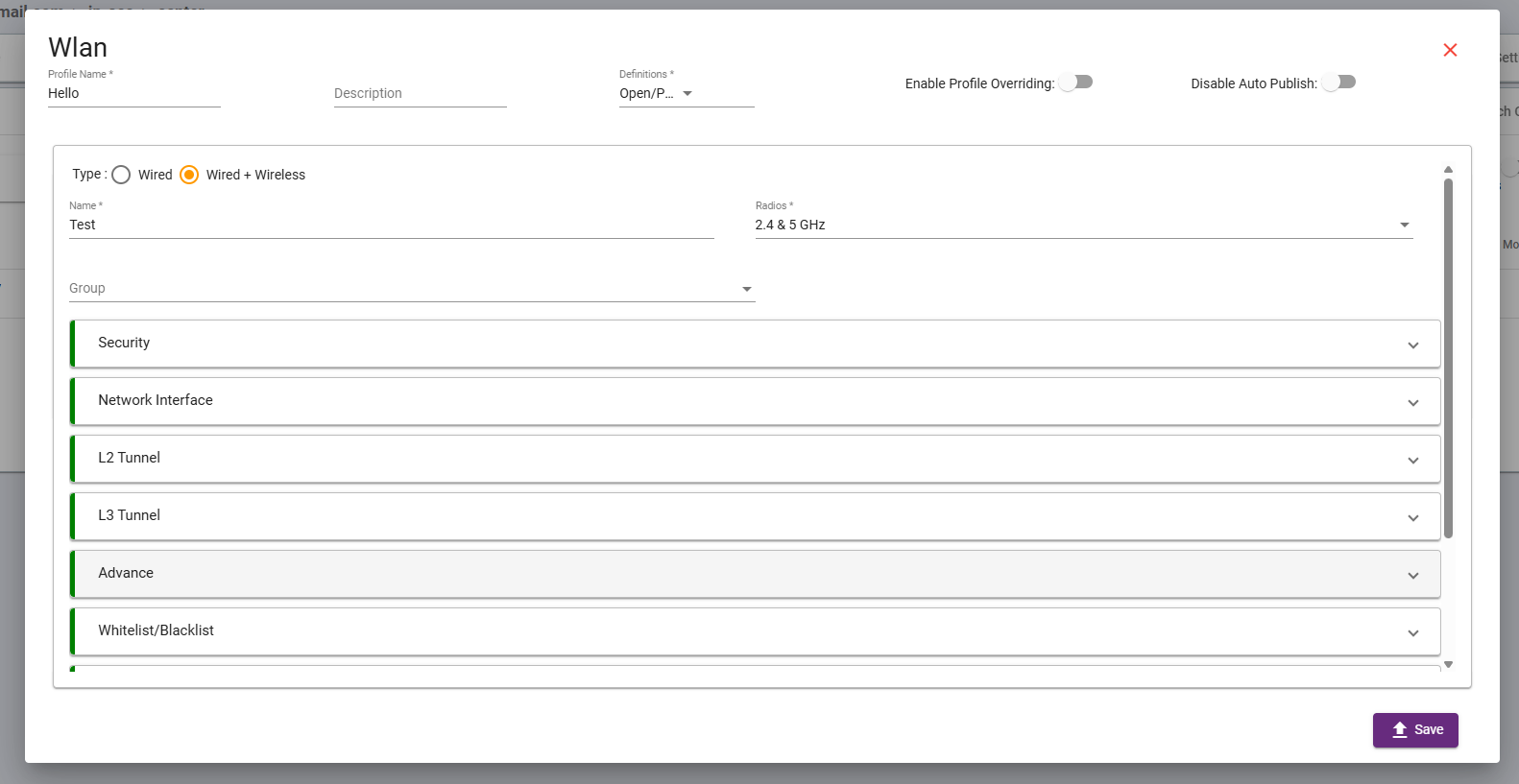
Create a WLAN for broadcasting the SSID. As shown in the screen capture, enter the WLAN name, SSID name, and attach the network interface created for the AP.
Step 2:
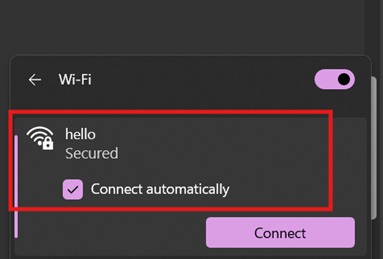
Connect a device to the configured SSID.
Step 3:
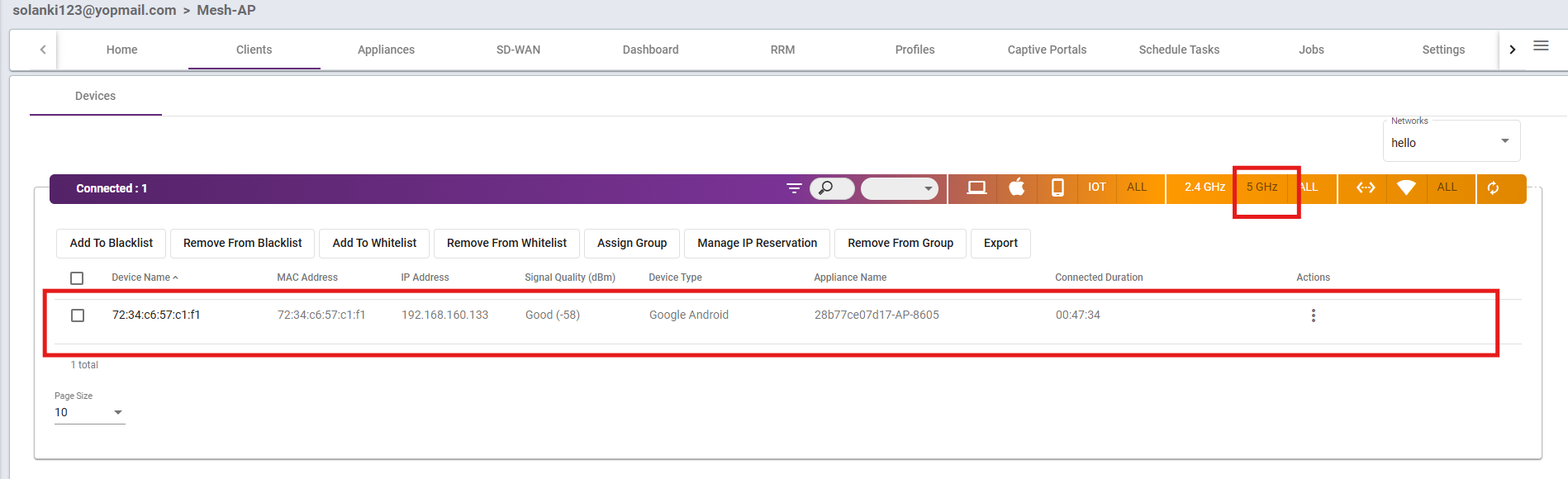
Check whether the client is connected to 5 GHz or 2.4 GHz.