#
Clusters #
Introduction To Clusters
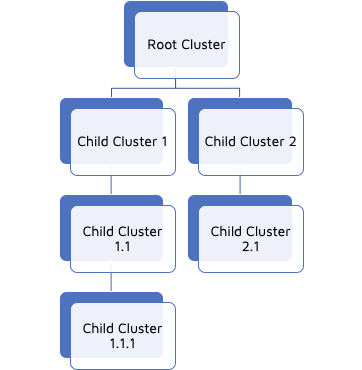
The Cluster for Ray means a logical group of Ray Access Points.
It could be used to create
a Site,
a building on a campus
a Floor in a building
a room in a building
or logical separation of AP in the same location.

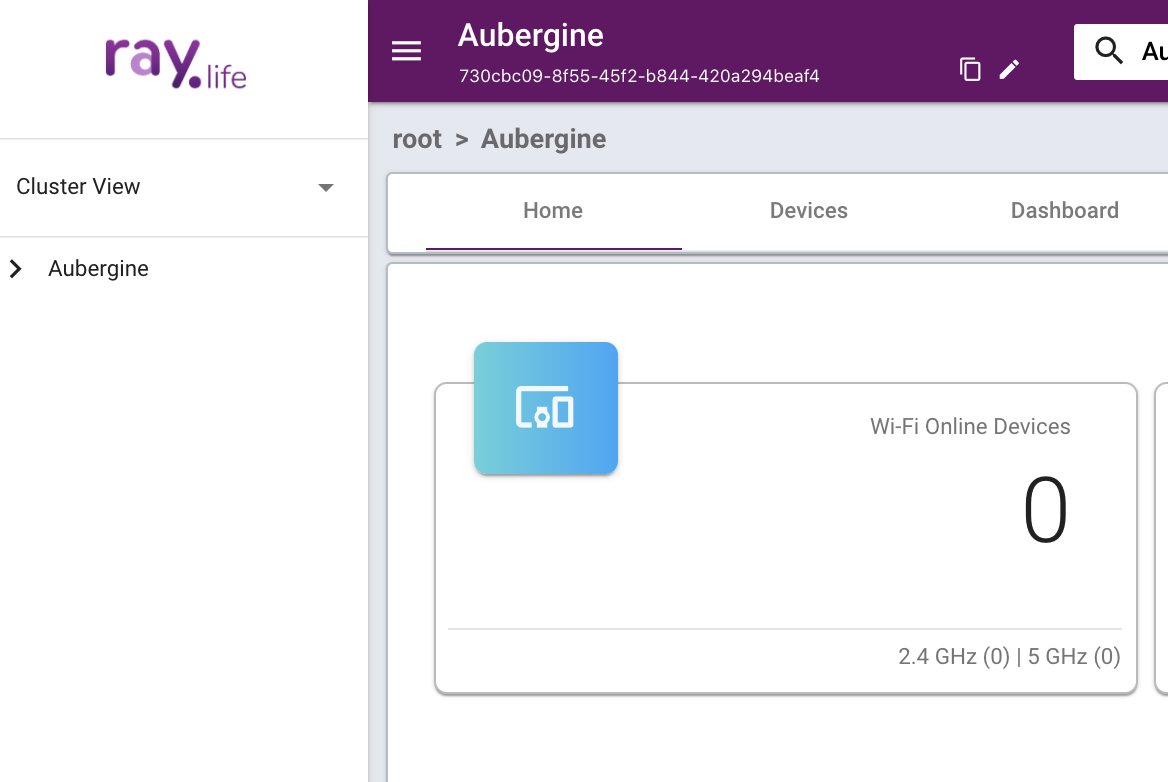
The top left of the screen shows the below elements
1. Name of the Cluster
2. Cluster ID of the Cluster
To View, the Clusters, click the Overflow Menu on the Top Left.

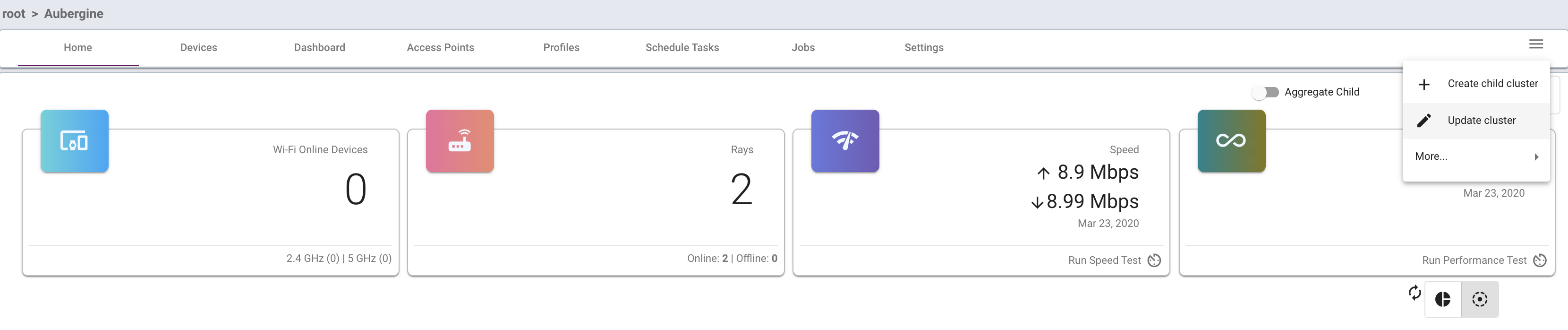
You may update the cluster details by clicking Update Cluster.
You may update the cluster details as below.
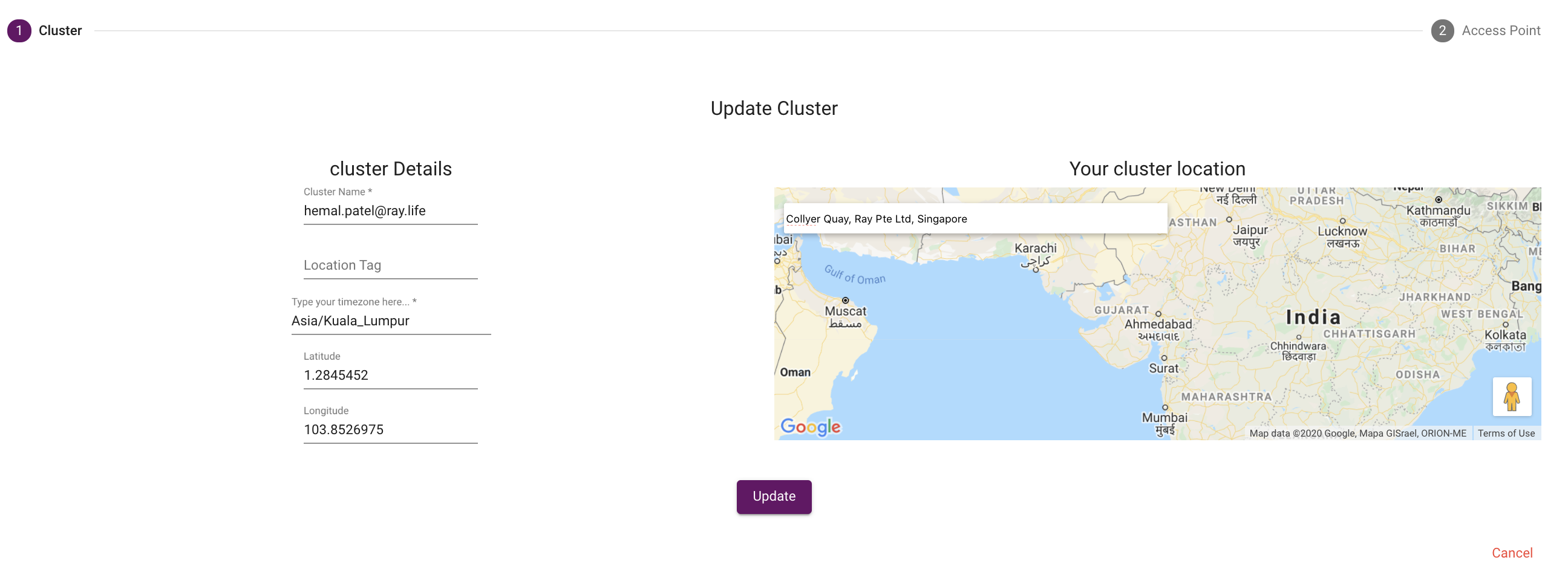
You may search the location in the search bar or input the Latitude & Longitude directly.
You may update the Timezone as well.
Press Update once is done.
Introduction to Child Clusters #
Ray is a multi-tenant, multi-level controller system.
Ray allows you to create a multi-level Cluster.