
Adding AP to RAY Cloud Controller
Last updated: Jul 06, 2026
Step 1. Login to Cloud Controller using your username & password on https://cloud.ray.life After that search username or clustername as above...
Step 1. Login to Cloud Controller using your username & password on https://cloud.ray.life
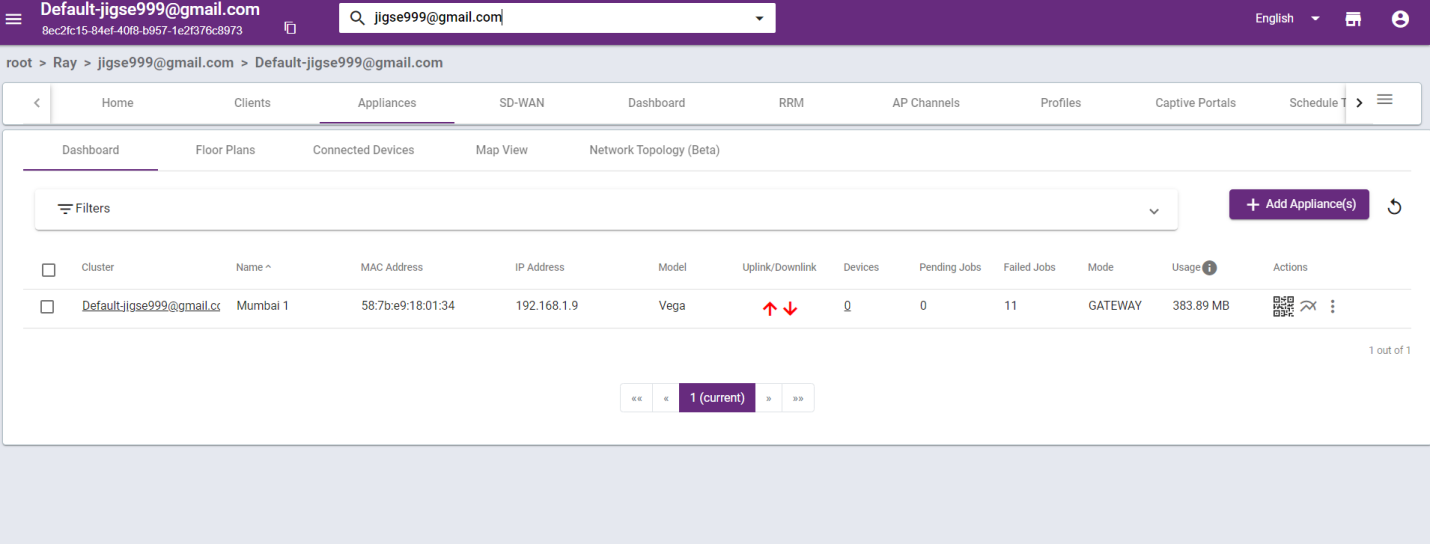
After that search username or clustername as above screen.
After that goto appliances . Then Add appliances
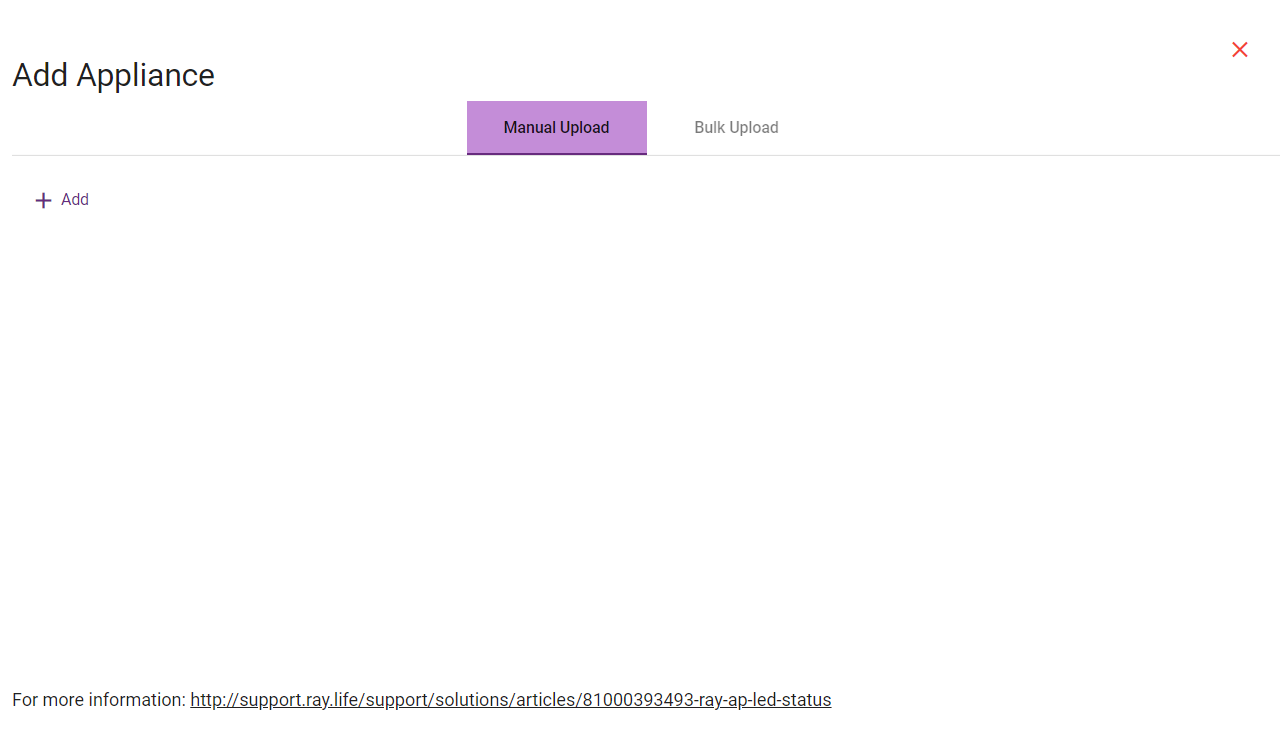
Then press add button to manually add device.
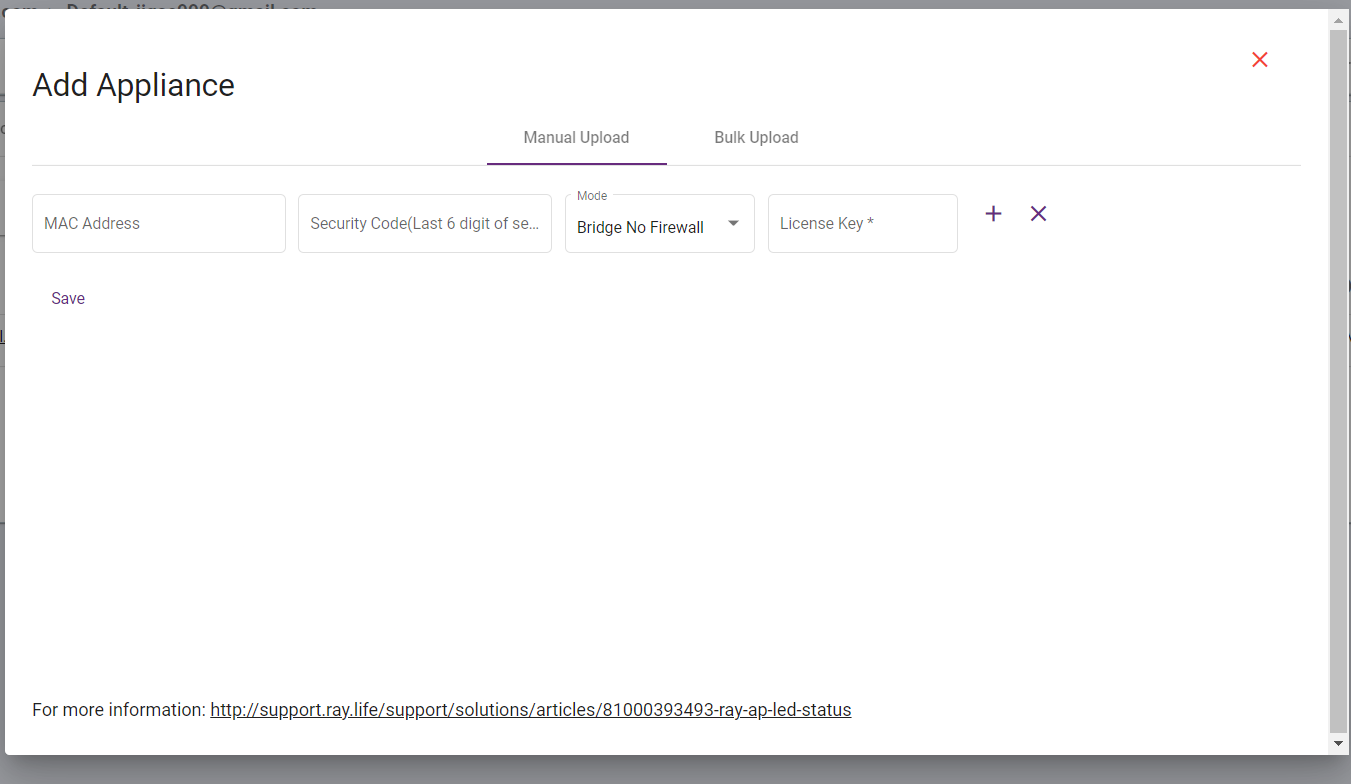
Then fillup details like MAC address of device then last 6 digit of serial no then mode select as per customer requirement and last enter license key to activate the product.
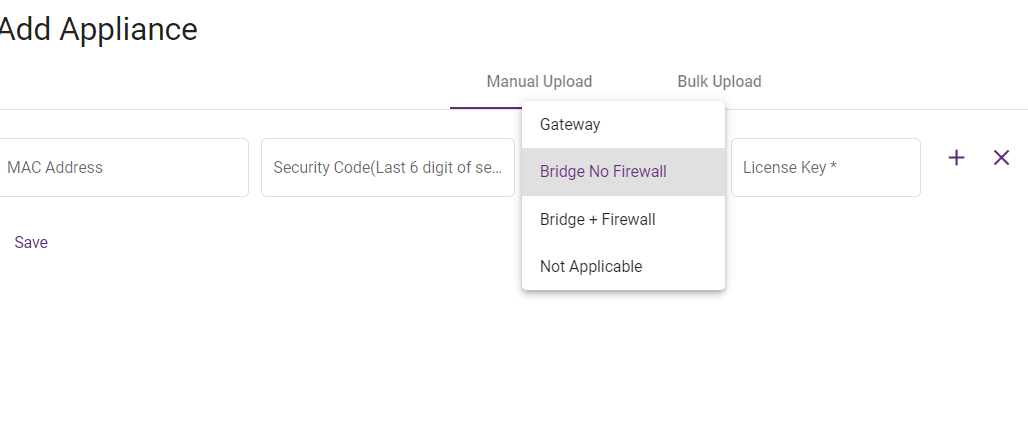
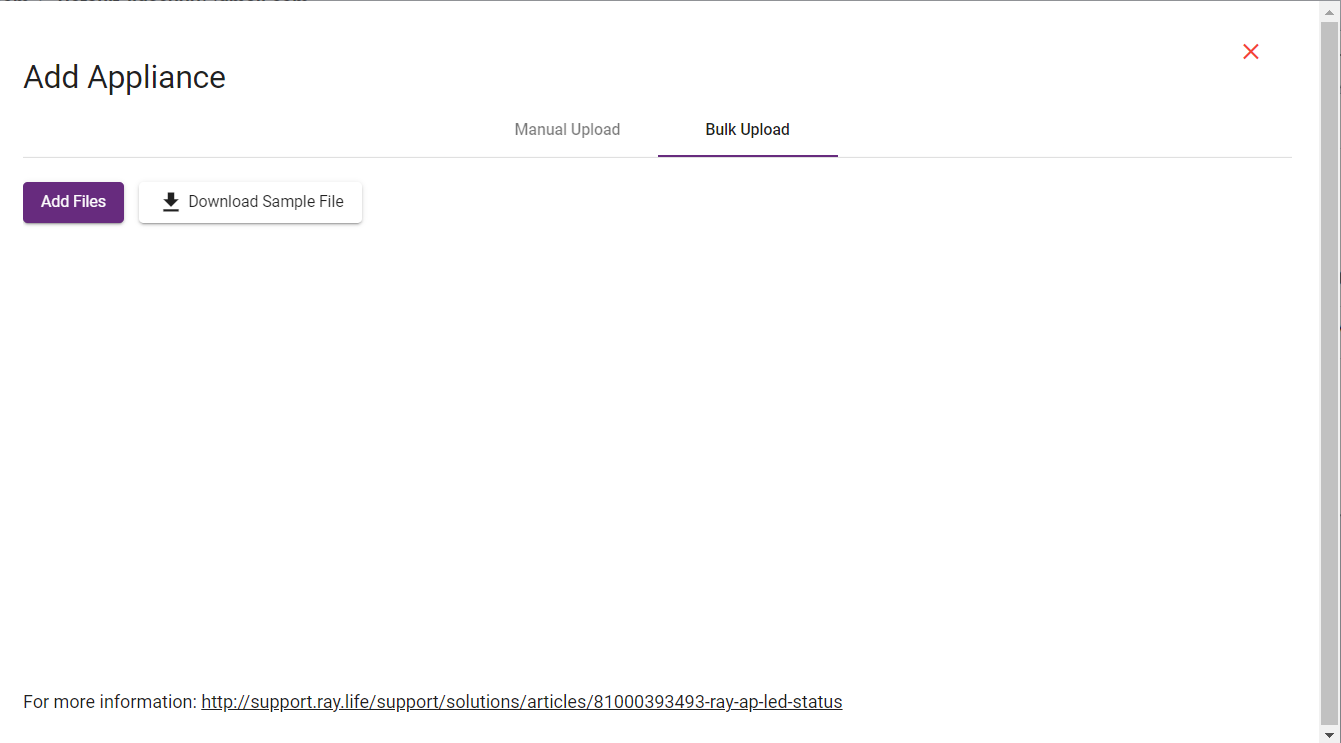
Other option we can add multiple device simultaneously with given format.
What are your feelings
🙂😐🙁