
How to create a user on Ray Controller
Last updated: Jul 06, 2026
Step 1: In Cloud, navigate to Settings → Users, then select Create User. Step 2: A pop-up window will appear. Enter...
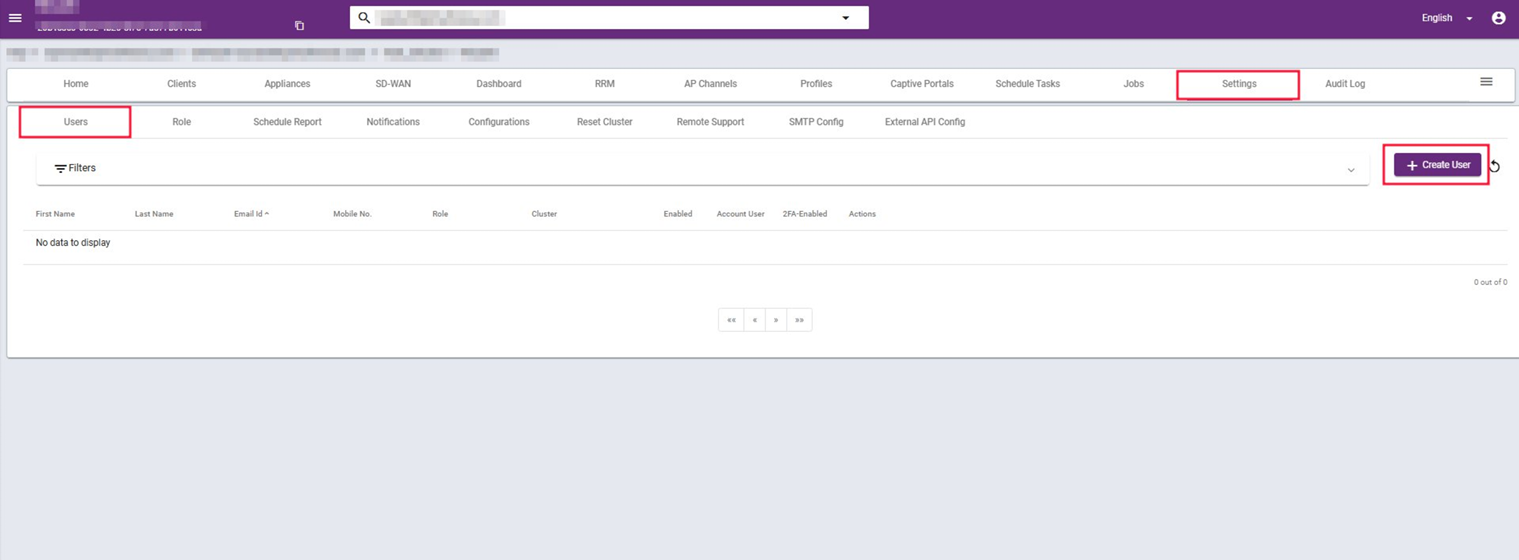
Step 1: In Cloud, navigate to Settings → Users, then select Create User.
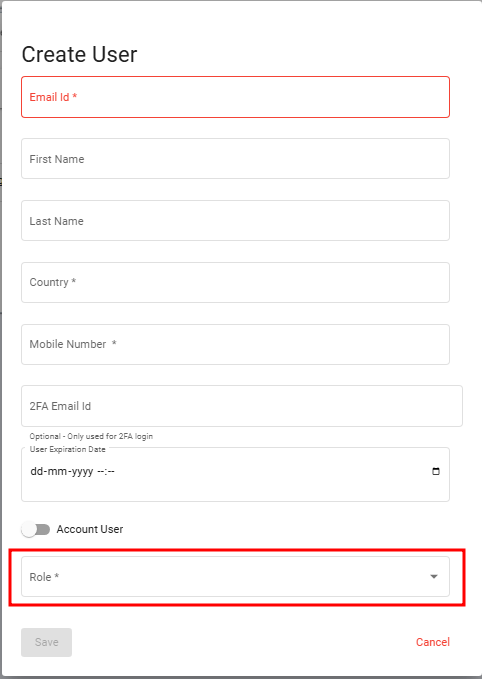
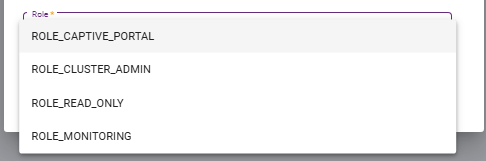
Step 2: A pop-up window will appear. Enter the required details, User Role and click Save.
Step 3: You will receive an email at the address you provided. The email will contain an OTP and a “Click Here” link. Click the link, and you will be redirected to a new page.
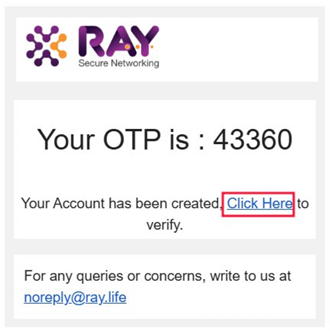
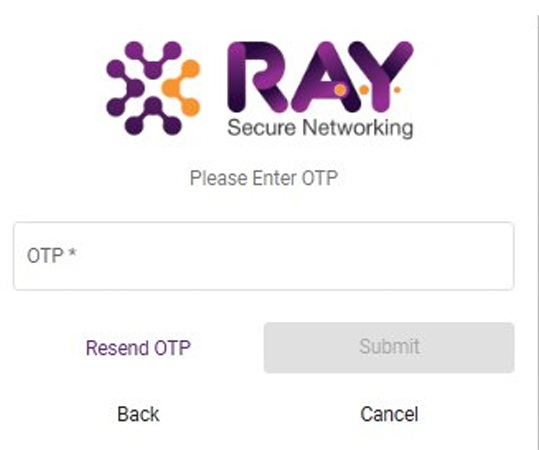
Step 4: Enter the OTP you received in the provided field.
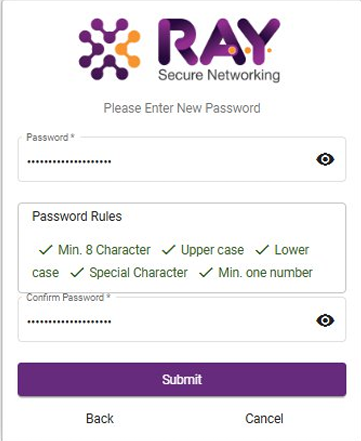
Step 4: You will be prompted to set a password. Follow the instructions, create your password, and click Submit.
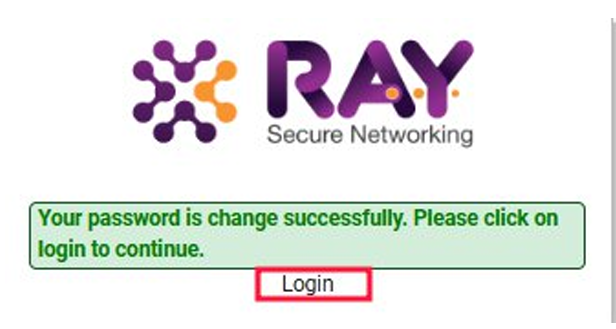
Step 5: After the password has been successfully changed, click on “Login.”
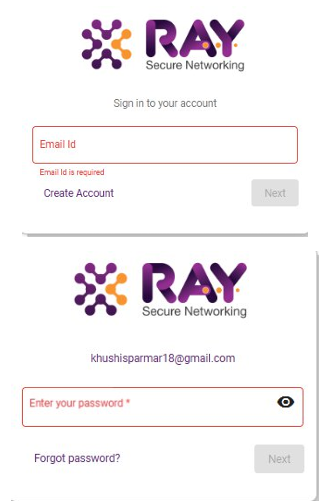
Step 6: Enter your email ID and password, then proceed to continue.
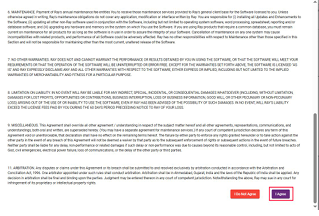
Step 7: After logging in, click “I Agree” to accept the Terms and Conditions.
What are your feelings
🙂😐🙁