
How to Raise a Ticket in the Support Portal
Last updated: Jul 06, 2026
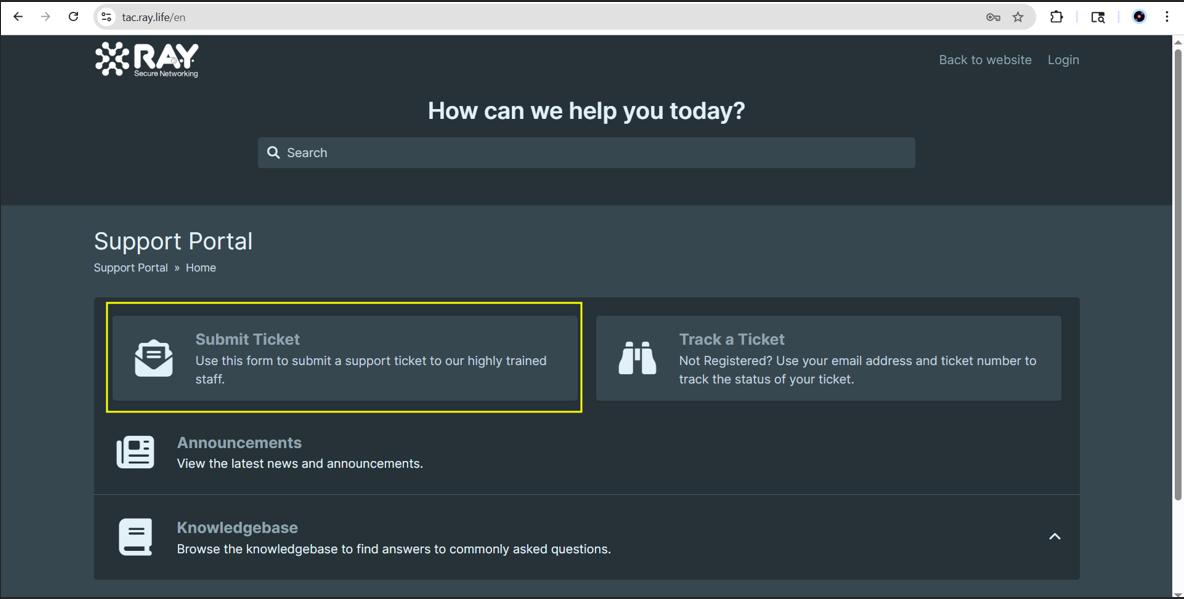
Step 1: Navigate to tac.ray.life and click on the Submit Ticket button. Step 2: Enter your email address and click on...
Step 1: Navigate to tac.ray.life and click on the Submit Ticket button.
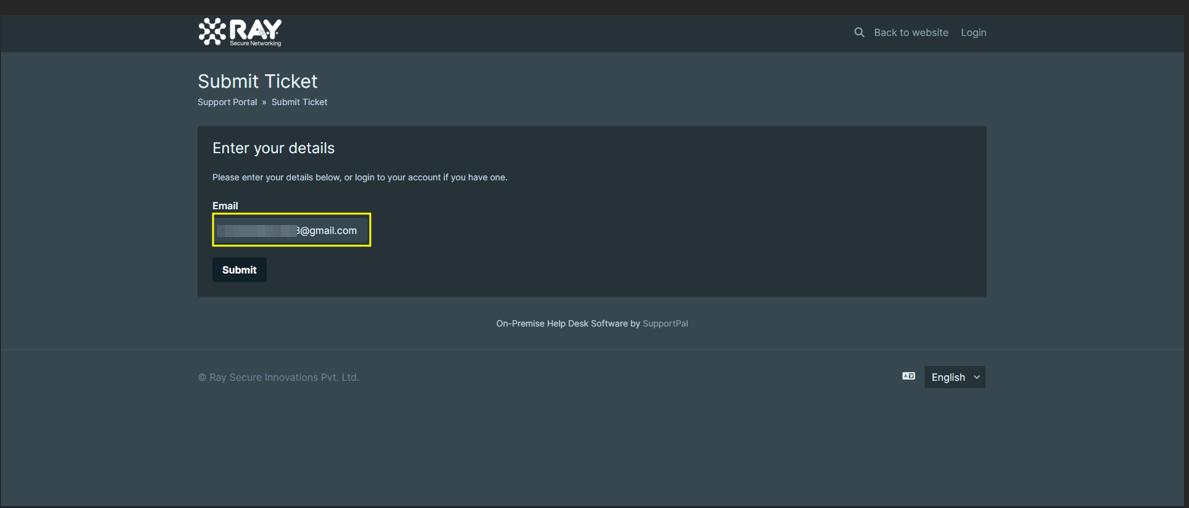
Step 2: Enter your email address and click on submit
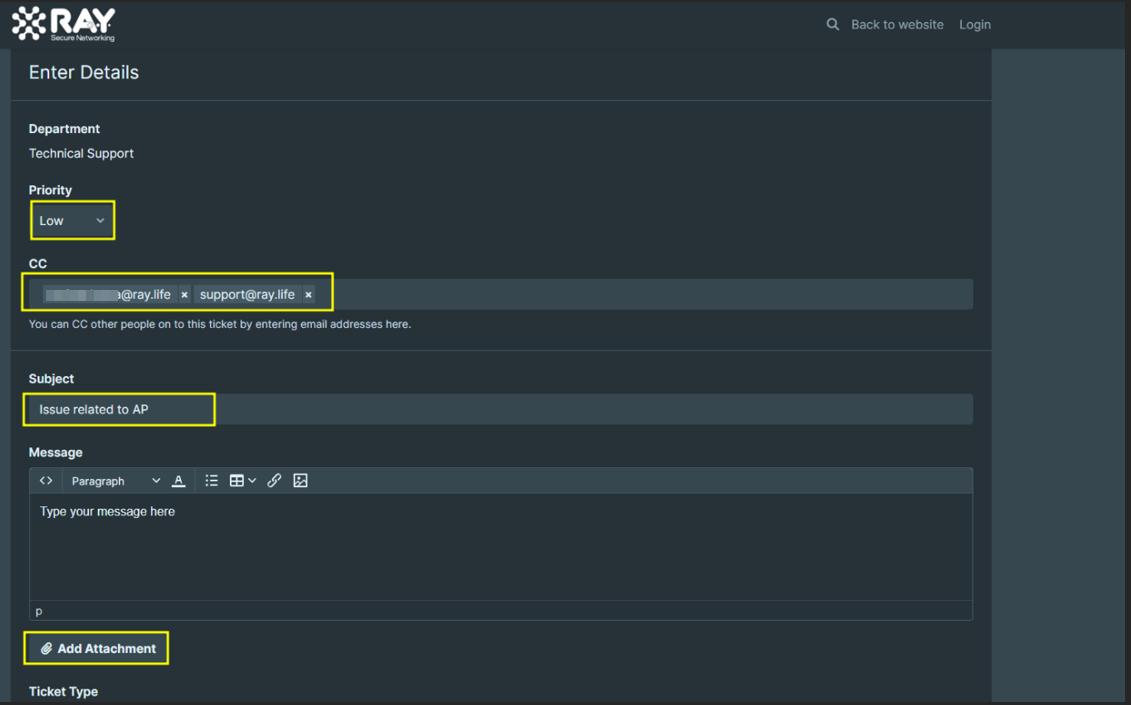
Step 3: Complete all the required Details:
- Priority: You can set the priority level as Low, Medium, High, or Critical, based on the urgency of your request.
- CC: You can add recipients to keep them informed and allow them to view the ticket.
- Subject: Enter a clear and concise title that summarizes your issue.
- Message: Provide a detailed description of your issue, including all relevant information to help resolve it efficiently.
- Attachments: You can also upload relevant files or documents to support your request.
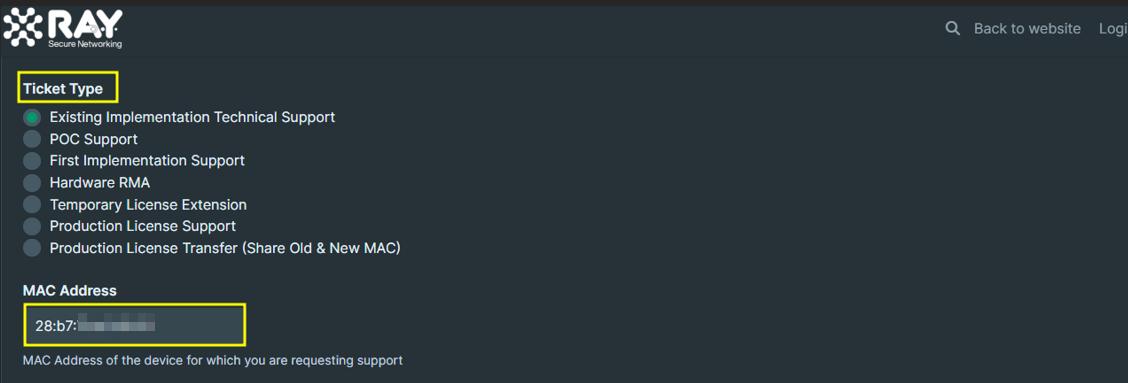
- Ticket Type: Select the option from the list below that best matches your request.
- MAC Address: This is a crucial field. Please provide the MAC address of the device experiencing the issue.
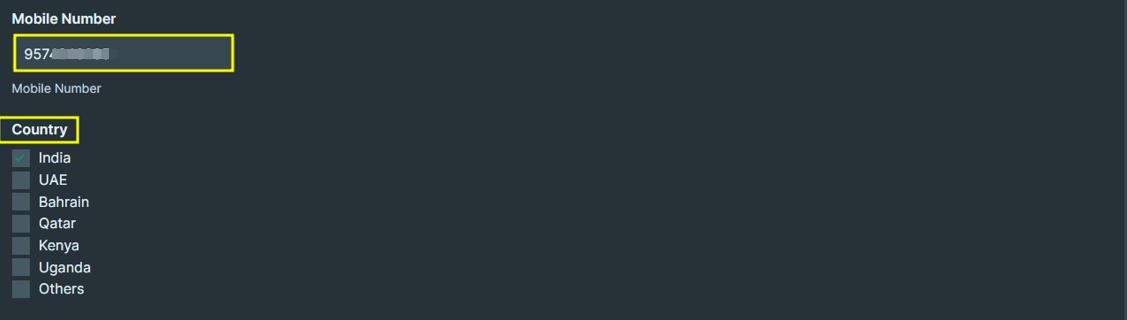
- Mobile Number: Provide a contact number so we can reach you if needed.
- Country: Select your country from the available options.
Step 4: Enter the correct CAPTCHA and click on the Submit button.

What are your feelings
🙂😐🙁