
Mini Device Troubleshooting Document
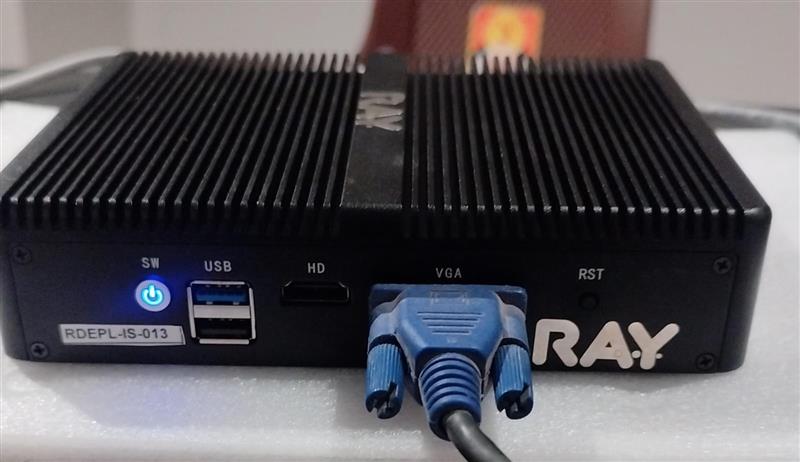
The reset button available on the Mini device is not a software reset button.
It is a BIOS reset button and has nothing to do with the operating system or device configuration reset.
So, do not use the physical reset button for OS reset or software troubleshooting.
 2. Login Instructions
Connect the device using VGA (HDMI) display and keyboard.
There is no need to use a console cable.
Ask him to log in with the below credentials:
Username: root
Password: R@yl!fe!~#After successful login, run the below command:
ip a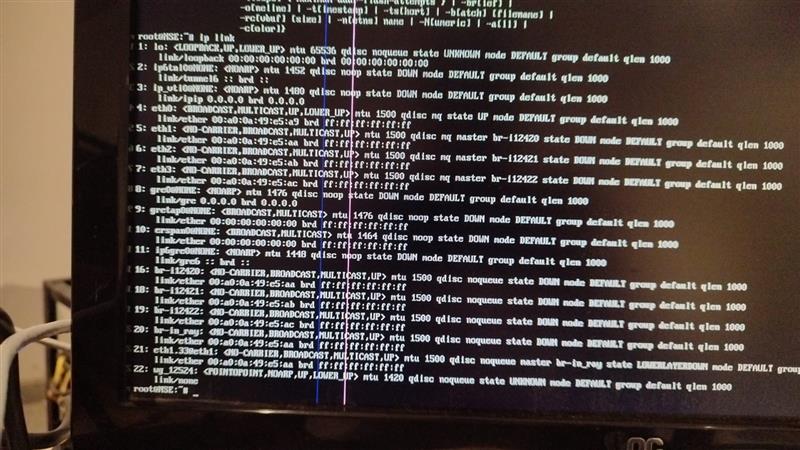 4. Current Observation
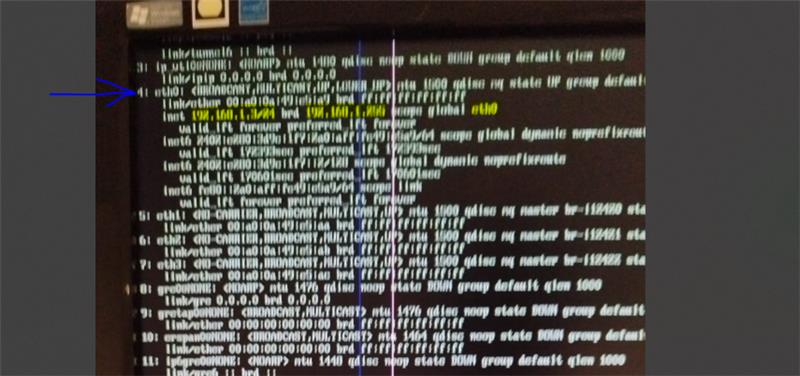
As per the shared details, the Mini device seems to be receiving an IP address, but it is still not coming online or connecting to the Hub.
After checking the ip a output and cable connection photos, further troubleshooting can be done.
5. Last Troubleshooting Step
If the device still does not come online, run the below command:
firstboot -yThis command will hard reset the device configuration.
If the device comes online but still shows offline on the portal/Hub, regenerate the device certificate and then reboot the device again.